
A Guide to Online Therapy
Last revised March 22nd, 2026
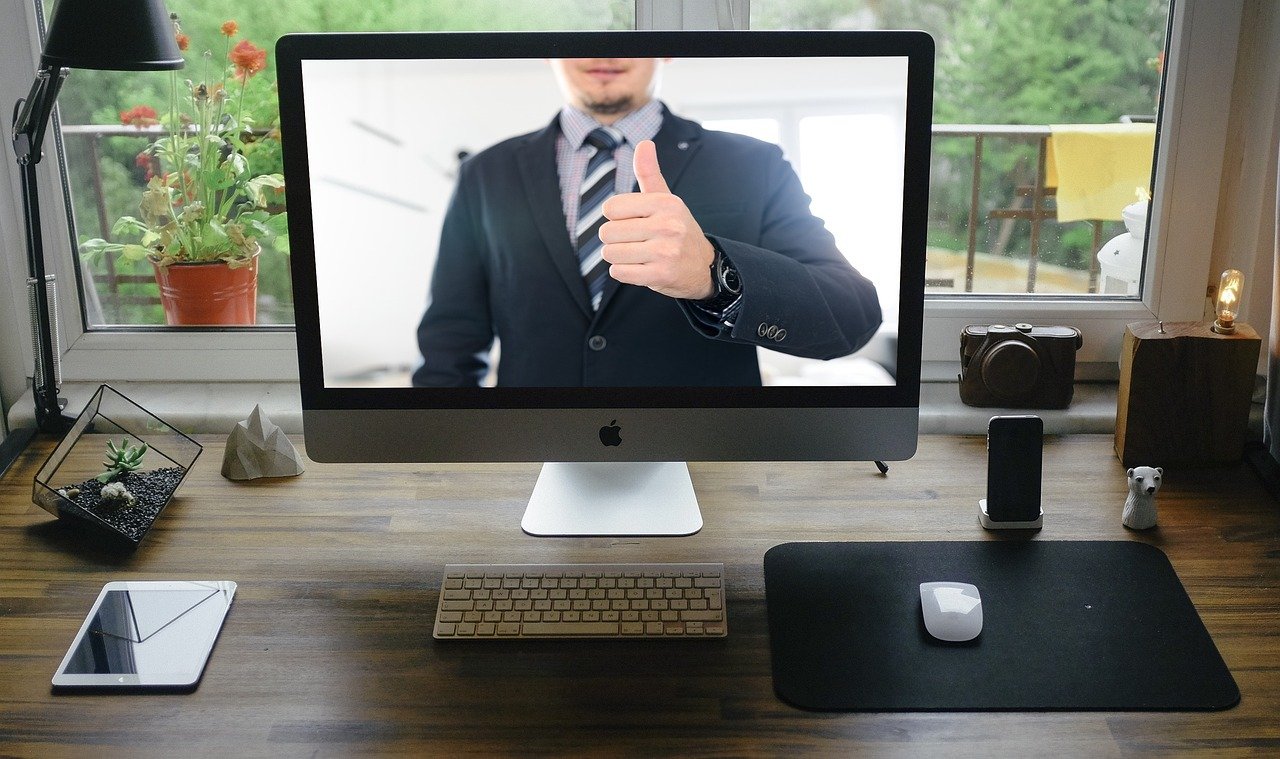
This guide will help you create the best quality online environment for your sessions by improving audio and video quality, and making sessions physically comfortable, easy on the eye, private and confidential.
-
First ensure that your psychotherapy session has been properly booked. Namely, that your prepayment has arrived well before the session, and you have acknowledged receipt of the booking email from your therapist.
🇪🇺 Patients living outside the UK must be especially mindful of clearing times for bank transfers as late payments mean that you will lose entitlement to your weekly slot. See payment deadlines on the ATTENDANCE OPTIONS page.
-
Your appointment will have been issued by email for Greenwich Mean Time (GMT) in the UK. If you live in a different time zone, check the time difference by clicking on the time and date logo.
⏱ TIP: Keep a clock or watch in front of you to help you keep track of time in order to pace your session

Online Psychotherapy Terms
You are responsible for ensuring that optimal working conditions for your online sessions are in place prior to the start of each session. Your therapist reserves the right to end any meeting early where you are in breach of our Agreement. This includes when your environmental conditions render it difficult to conduct psychotherapy online within professional boundaries. Online sessions become impossible where conditions are distracting, uncomfortable or compromising of confidentiality, to the degree that they undermine the therapeutic endeavour. Common problems include poor internet connections, low quality audio-video, bad lighting, other persons coming in and out of the room, inappropriate location, device alerts, low battery charge, extraneous noise, interruptions or disruptions caused by children, pets etc.
⚠️ Please be aware that any form of recording, A.I. use, or automatic transcription of sessions, or where it appears that other people are within earshot will result in termination of the work. Please read our Agreement and take your online psychotherapy seriously so that you can achieve your therapeutic aims.
-
One of the most neglected aspects of online psychotherapy is the setup and quality of the patient’s side of the video call. Patients can invest a lot of time, energy and money in their psychotherapy, only to compromise it all with a conflicting environment, poor quality video, and muffled or boomy audio. A poor quality setup makes for a tense, uncomfortable or irritating session environment that will compromise the support you receive. Setup is so important that it can literally be more therapeutically valuable to have one high quality session per month than to struggle through four sessions with a poor setup that causes tension.
So, it is only sensible to create the best possible conditions for doing online psychotherapy to get the most out of our work. And with a little effort you can set up your sessions to create the kind of clear environment you would expect if you visited your psychotherapist’s office: undisturbed, peaceful, focussed, spacious, completely private, and secure. You can achieve this with little to no financial investment: just a little thought and preparation ahead of each session.
-
Make your online environment easy on the eye by minimising room clutter, and by eliminating all distractions created by children, pets, device alerts, phones, doorbells, other people, and other ambient noise from open windows, music etc.
⚠️ Unless you are doing Couples Therapy, no-one else should enter the room, or be in the room with you, or able to listen to our conversation.
🐈 Allowing pets or children into the room is also not acceptable for serious psychotherapy work.
-
Low lighting makes for a grainy picture.
Put the strongest light source in your room in front of your face, not behind you, and preferably diffused. Sitting facing a window during the day is ideal. Lights behind you create very dark silhouettes that will compromise your psychotherapist’s ability to see, understand and support you. Light sources behind you should be dimmer than those in front of your face.
TIP: An LED ring/ clip light with colour temperature adjustment can be a very cheap lighting improvement (around £15) when placed in front of you
-
Use a device with as big a screen as possible e.g. a reasonably recent laptop or desktop computer. This will improve your experience of the session by giving a greater, more immersive sense of relationship. A phone screen is not going to be appropriate for serious psychotherapy work.
Keep your camera in a fixed, stable position at eye level to avoid noise and visual distractions.
On battery-powered devices, ensure your device is plugged into power and/ or the battery fully charged before each session.
⚠️ Please avoid hand-holding a device or sitting it on your lap.
-
Clean your camera lens and set it up at eye level.
Use the highest resolution camera, microphone, and fastest broadband connection you can afford. It is an investment in your personal development work, and will make for much more relaxed, enjoyable and effective sessions.
For the cost of a session or two you could get yourself a decent camera and microphone. Consider the Elgato 4k60 camera, or Insta360 Link 2, and a RODE lavalier microphone as good quality upgrades that will give better picture and sound than most built-in cameras and microphones.
This practice uses a high-speed (600+ Mbs) connection, a 48 mega pixel (4K) camera, and a broadcast quality microphone to give you high image and sound quality. This will only be appreciated if you also have a high speed connection and a decent quality camera and microphone.
iPHONE users: This LINK tells you how to use a later model iPhone as a superior quality webcam
-
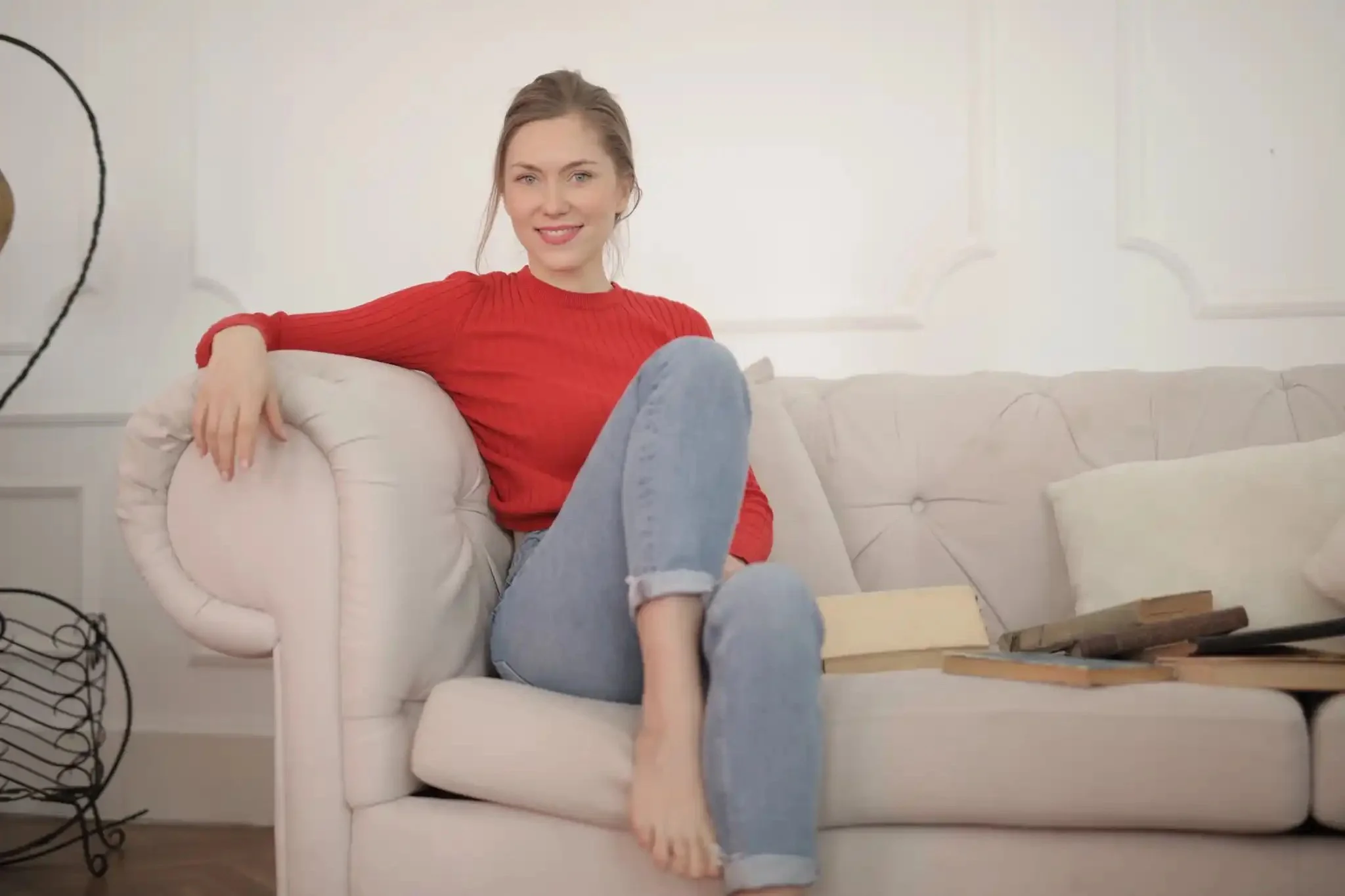
Set your camera up so that the field of view is fairly wide as in this image. To understand you effectively in the type of psychotherapy offered (which focusses on your mind and your body) Your psychotherapist needs to see all of you if you want to do more than simple counselling or symptom-management work.
⚠️ Vehicles, cafes, or other public places are not appropriate spaces for psychotherapy work.
-
For the best audio and video quality close all of your browser tabs and apps so that you have maximum bandwidth and computing power for the call.
You can test your internet connection speed by clicking on the speedtest icon.
-
Keep your Therapy Journal and pen to hand for making notes during your session.
-
If you anticipate doing experiential work in your online psychotherapy sessions, please spend a bit of time before each session setting up your room to save time during the session. Organise at least three standing or seated positions within full view of your camera.
In order to guide you through experiential work; and to see your whole body; and for experiential work to be as effective as possible, set your camera up so that all of these positions can be easily seen in full-length. A head and shoulders view means I am not able to see everything your body is expressing, thereby limiting my ability to help you. You are not just a talking head!
-
You will be more comfortable sitting for 50 minutes in a soft chair like an armchair, or a kneeling chair, rather than a hard office chair. Make your environment as comfortable as possible to prevent fatigue and tension, and so that you are in a relaxed posture during your whole session. Being physically tense or uncomfortable will inhibit your expression and concentration.
TIP: If you have physical health problems or feel unwell on the day of your appointment it’s okay to lie down whilst you have your session. Just make sure to keep your device supported on a table, not hand-held nor on your lap.
🔌 You can check your internet connection speed here:


Start Your Online Session
Click on the blue start session button to connect to your psychotherapist via Digital Samba. For best video and audio quality, close all other browser windows and tabs, and any open applications before you start your session.
🔗 You will need a web browser that supports Digital Samba’s video call platform e.g. Brave (most secure), Mozilla Firefox 117, Google Chrome, Microsoft Edge, Safari 17.2 or later. As a backup, please keep Microsoft Teams in the event of technical problems etc.
⏱ If you are early just wait in the lobby until admitted to the 50 Minute Session room.
☎︎ The FaceTime and Proton Video Links below may be lower quality but can serve as a backup if DigitalSamba malfunctions. Email immediately if you have any problems connecting with any of the buttons.